|
Sometimes the data on the screen could be just to much to handle, therefore it is possible to switch of layers from viewing.
|
|
|
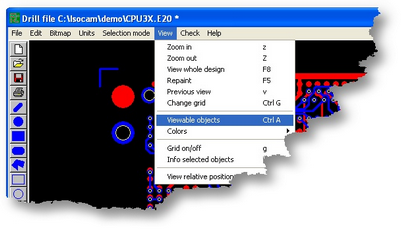
| • | Select from the view menu: viewable objects |
| • | You may also use Ctrl A or a button on the left toolbar |
|
|
|
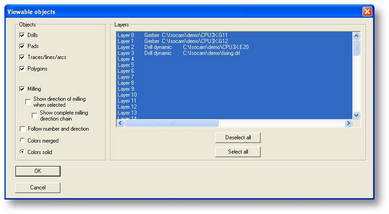
In this window you may set the following:
| • | blue: the layer is showed |
| • | white: the layer is hidden |
| • | Colors merged will show you a color mix when two or more colors are on top of each other. |
| • | Colors solid will show the colors in layers, |
| • | The active layer is always on top. |
|
|
|
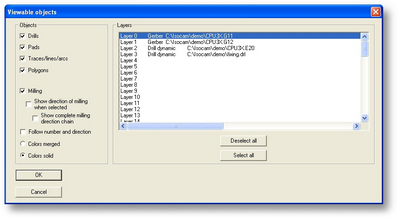
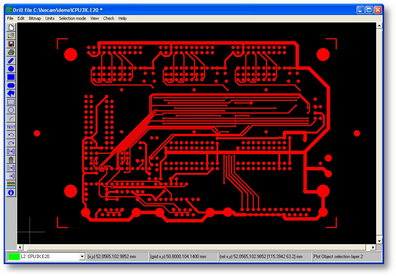
| • | Deselect layer 1, 2 and 3 and click OK |
|
|
|
|