|
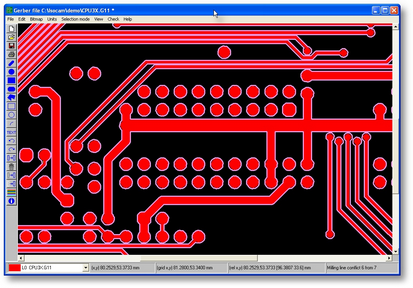
To get a closer look at your work you may use the various zoom functions.
|
|
|
| • | Position the cursor in the area you would like to enlarge |
| • | Press the letter 'z' a few times. Handy is it not? |
| • | Now hold the shift key and press 'z' |
| • | To zoom a region at once, hold the CTRL key, position the mouse, hold the left mouse down and pull out the window. |
| • | Release the CTRL key and the mouse, the area is now zoomed in. |
| • | Use the F8 key to zoom all |
| • | The F5 key is used for screen refreshing |
|
|
|
|